
Ignition Switch Wiring Diagram Basics That Save Time

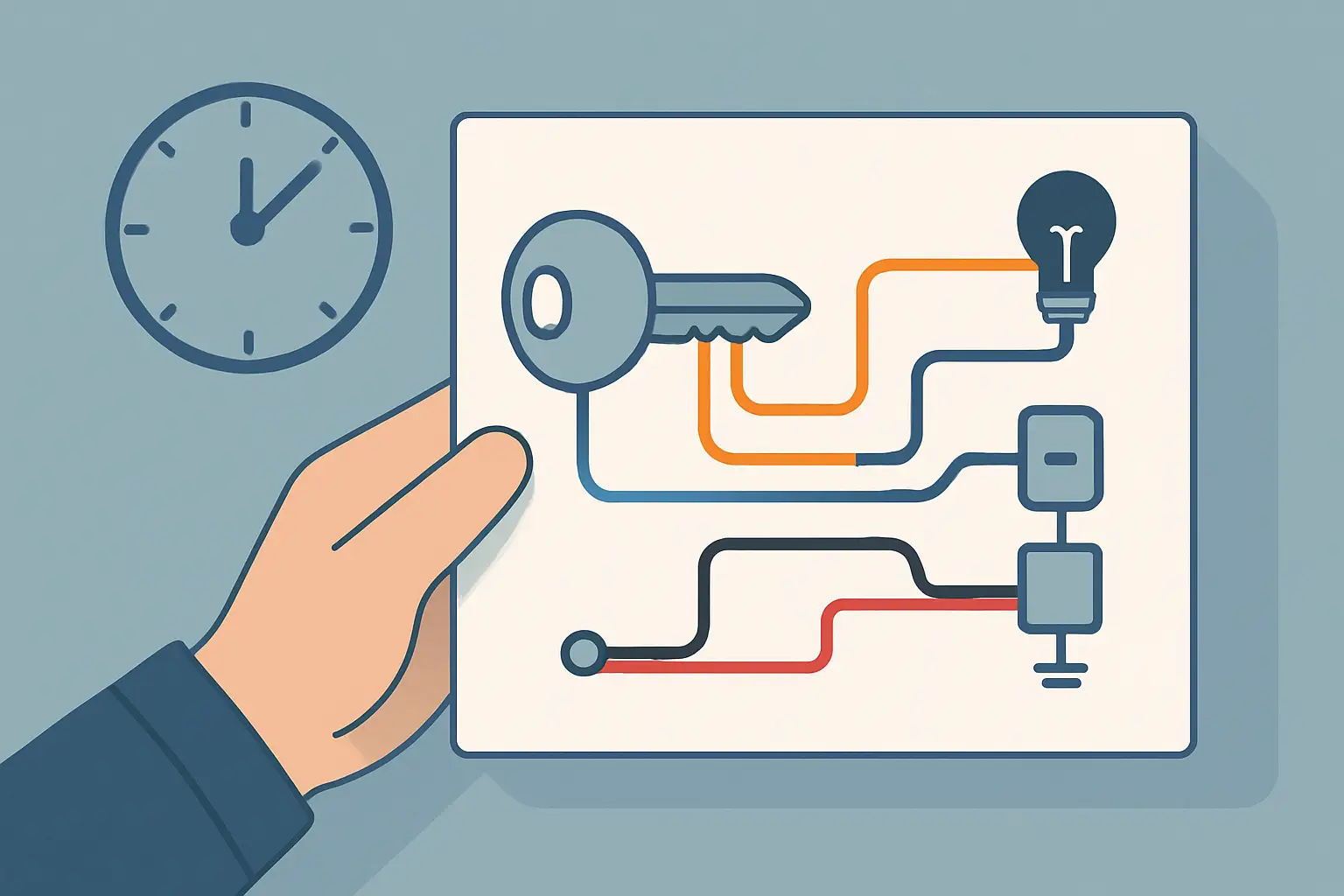
You turn the key and nothing happens – no crank, no click, maybe the dash lights act weird. That is usually when people start guessing: starter, battery, security system, “bad ignition.” The fastest way to stop guessing is to pull the correct ignition switch wiring diagram for the exact year, make, and model, then test the circuits in the key positions.
An ignition switch is not just an on-off device. It is a multi-position, multi-circuit power router. It decides which wires get battery voltage in ACC, RUN, and START, and on many vehicles it also feeds modules that control the starter relay, immobilizer, and steering column lock. The diagram is how you separate “no power leaving the switch” from “power leaves the switch but never reaches the load.”
What an ignition switch wiring diagram actually shows
An ignition switch wiring diagram is a map of terminals and wire paths tied to key positions. It shows wire colors, connector IDs, splice points, fuse links, fuses, and where each circuit ends up (starter relay coil, ignition coils, ECU power feed, blower motor, radio, etc.). On newer vehicles it may also show the relationship between the mechanical key cylinder, an electrical ignition switch module, and a separate immobilizer antenna or key reader.
The useful part is not the drawing style – it is the logic. A correct diagram tells you which wire should be hot all the time (battery feed), which wires should be hot only in ACC, which should be hot only in RUN, and which should be hot only while cranking (START). If you can test those expected states at the connector, you can prove whether the switch and its feeds are doing their job.
Typical ignition switch terminals and circuits
Names vary by manufacturer, but most ignition switch circuits fall into a few buckets.
Battery feed is usually labeled BATT, B+, or 30. This is constant power coming from a maxi fuse or fusible link. If BATT is dead, the switch cannot feed anything and your problem is upstream.
Accessory is often labeled ACC. This feeds loads that can run without the engine, like the radio or power outlet. Some vehicles drop ACC during START to reduce load.
Ignition or Run is commonly IG1, IGN, or RUN. This powers engine-management and “keep running” circuits like coils, injectors, PCM/ECM, and many relays.
Start is often labeled ST or 50. This is the crank request. On older vehicles it may go directly to the starter solenoid. On many modern vehicles it triggers a starter relay or sends a start request to a control module.
There may also be a second ignition output (IG2) or separate feeds for HVAC, wipers, or “run/crank” circuits. Some diagrams also show an illumination or key-in buzzer circuit. The key point is that more outputs mean more opportunities for a partial failure that looks like a totally dead car.
Reading the diagram without getting buried
Start by locating the ignition switch connector in the diagram. You want the connector view and the circuit view. Connector views show pin numbers and physical orientation. Circuit views show where each pin goes.
From there, trace backward first, not forward. Find the battery feed wire that supplies the switch and identify its protection: fusible link, maxi fuse, or a main fuse block. If the diagram shows a splice feeding multiple circuits, note it. A melted splice or loose junction can mimic a bad switch.
Then trace forward by key position. Follow the ACC output to its fuse and loads. Follow the RUN output to the ignition relay or PCM power relay. Follow the START output to the clutch switch (manual), range switch (automatic), or starter relay path. Many no-crank complaints are not the switch – they are an open in the interlock path after the switch.
If the diagram includes grounds for a relay coil or module, track those too. A switch can send power correctly, but a relay will not energize without a good ground. The diagram is where you see whether the relay coil is grounded by the PCM, a body control module, or a hard ground.
Key-position logic you can test quickly
A diagram is only helpful if you use it with a meter or test light and a clear plan. The fastest checks happen at the ignition switch connector because you can compare multiple outputs from one place.
With the connector back-probed (or with a breakout lead), verify the BATT feed is hot at all times. If it is not, stop and go upstream to the fuse link or power distribution point.
In ACC position, the ACC output should show battery voltage. In RUN, the RUN output should show battery voltage and should remain powered while the key stays in RUN. In START, the START output should show battery voltage only while the key is held in START.
It depends on the vehicle whether ACC stays live during START. Many diagrams will show an “ACC cut” relay or a switch internal contact that opens during crank. Do not assume it is a fault if ACC drops in START – confirm on the diagram.
Also pay attention to “run/crank” feeds. Some vehicles power certain circuits in both RUN and START, but not in ACC. If you lose power to an ignition relay during crank, the engine may start and die when you release the key, or it may never fire at all. That symptom usually points to a missing run/crank output, not a starter issue.
Common failure patterns the diagram helps you isolate
Ignition switch problems are often intermittent and heat-related, but the wiring around them fails too. The diagram helps you divide the problem into categories.
If nothing works in any key position and the BATT feed into the switch is dead, the issue is upstream: a blown main fuse, damaged fusible link, loose battery cable, or a failed power distribution connection.
If the BATT feed is good but multiple outputs are dead across different key positions, suspect the electrical ignition switch module or its connector. Check for melted plastic, backed-out terminals, or overheated pins. High current through worn contacts creates resistance and heat.
If ACC works but RUN does not, the vehicle may power the radio but not the engine electronics. That often looks like “cranks but won’t start,” or “dash lights but no fuel pump prime.” The diagram will show which RUN feed powers the PCM relay or ignition relay.
If RUN works but START does not, you may have dash power but no crank. The diagram will show whether the start circuit goes through a clutch switch, park/neutral switch, starter relay, or a module. This is where people waste time replacing starters.
If START works but the engine only runs while the key is held, look for a missing RUN feed during normal operation. The diagram will show separate contacts for START and RUN, and which fuses each one supplies.
Diagram details that matter in real repairs
Wire color helps, but do not rely on color alone. Harness repairs, aftermarket alarms, and remote-start installs can change colors or add splices. Use connector pin numbers and circuit labels from the diagram to stay accurate.
Splice points and junction connectors are where voltage drops hide. If a diagram shows the ignition RUN output feeding a splice that splits to three fuses, you can check the voltage before and after the splice to find an open or high resistance.
Fuses are not all the same in a diagram. Some circuits use “hot at all times” fuses fed directly from the battery. Others are “hot in RUN” because the ignition switch feeds the fuse. If you check a fuse and it is dead, the diagram tells you whether that is normal in OFF or a sign of a bad ignition feed.
Relays are often the handoff point between the ignition switch and high-current loads. Many vehicles use the switch to energize a relay coil, and the relay then supplies power to multiple loads. That design reduces switch current, but it adds control logic, module grounding, and additional connectors. The diagram shows you where the handoff happens.
Safety and “don’t break the car” cautions
Back-probing is safer than piercing insulation, especially in steering column harnesses that move. If you must pierce, seal the hole afterward to prevent corrosion.
Avoid jumping random pins at the ignition switch connector. On many modern vehicles, wrong jumpers can wake up modules, set faults, or in the worst case damage a control unit. Use the diagram to confirm what a pin does before applying power.
If the vehicle has an airbag in the steering wheel, treat the column area with respect. Follow proper disable procedures before removing column covers or unplugging connectors.
Getting the right ignition switch diagram for your vehicle
Ignition switch circuits vary a lot by trim level, push-button start versus key, immobilizer type, and even production date within the same model year. A generic “five-wire ignition switch” picture is not a wiring diagram, and it will not tell you where the start request goes on a late-model vehicle.
If you want to skip the mismatch problem, use a vehicle-specific selector that filters by component so you are looking at the ignition switch and related start/ignition circuits for your exact fitment. That is the fastest way to get from symptom to test points without bouncing between PDFs. You can pull diagrams by Year, Make, Model, and Component at Carwiringnew.com.
A fast workflow that keeps you out of rabbit holes
Use the ignition switch wiring diagram to choose one connector and one circuit at a time. Verify the constant feed first, then verify outputs by key position, then follow the one output that is missing to the next device in line (fuse, interlock switch, relay, module). When you treat it like a power path instead of a mystery, the car usually tells you what is wrong within a few tests.
The most helpful closing thought is simple: when the key position changes, the voltage state should change in a predictable way. If you can’t describe what “predictable” means for your exact vehicle, the diagram is not extra – it is the job.