
OBD2 Port Wiring Diagram: Pinout You Can Trust

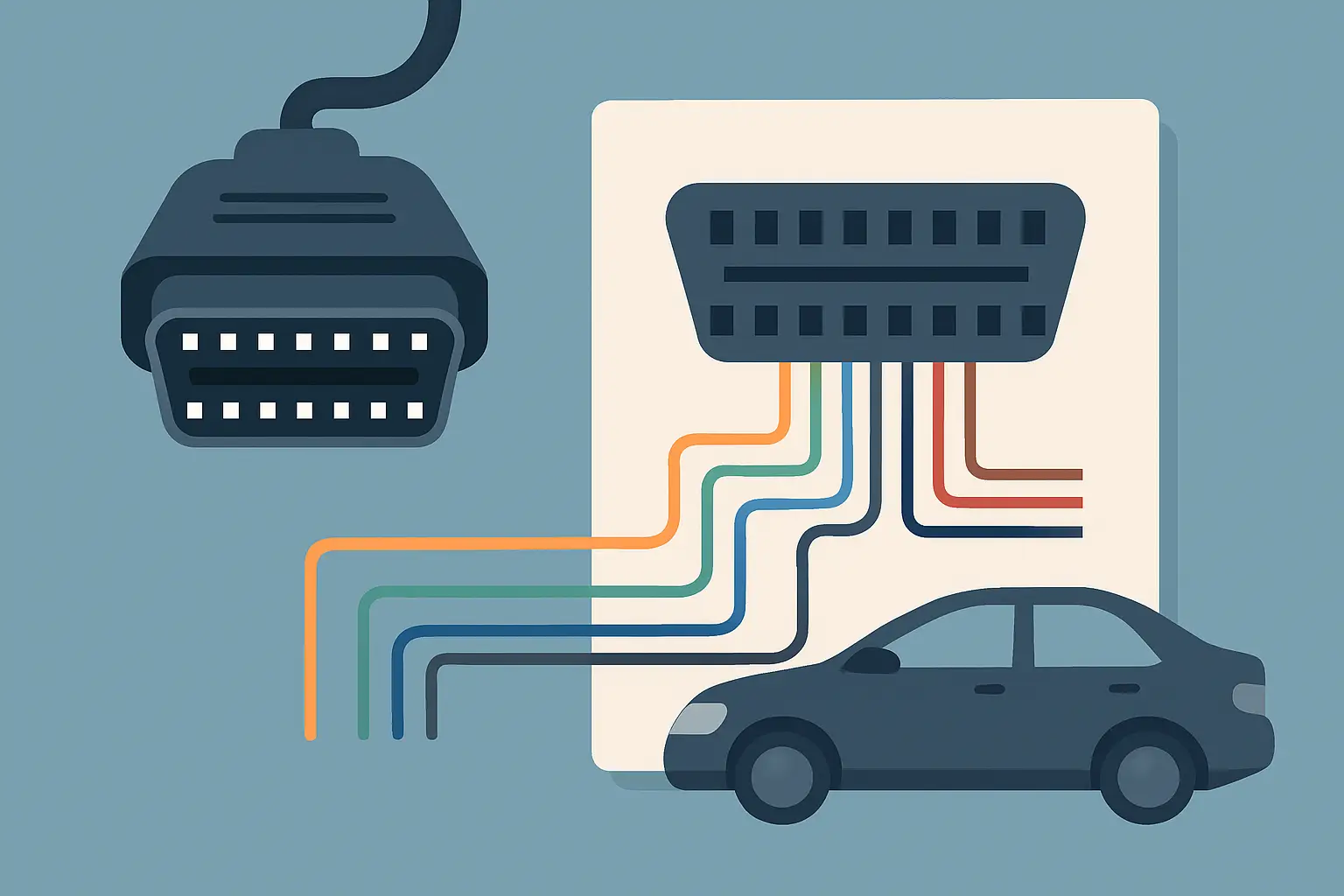
If your scan tool powers on but will not connect, or it connects sometimes and drops out, the fix is rarely “replace the tool.” Most of the time it is basic DLC power, ground, or network wiring. That is exactly where an obd2 port wiring diagram earns its keep – it turns guesswork into a quick pin check you can prove with a meter.
What an OBD2 port wiring diagram actually tells you
An OBD2 port (also called the DLC – Data Link Connector) is a standardized 16-pin connector under the dash. The connector shape and pin numbers are standardized. What is not standardized is what every manufacturer chooses to populate on every pin, especially on older vehicles or models that still carry manufacturer-specific networks.
A good wiring diagram for the DLC does three practical things. It shows which pins are present and used on your exact vehicle, where each used pin goes (splice, ground point, module, fuse), and what network type is on the communication pins (CAN, ISO/K-line, SAE J1850, etc.). That “where it goes” part is what saves time, because you can stop testing the connector and move upstream to the fuse, splice, or harness section that actually failed.
OBD2 connector pin numbers and orientation (so you don’t mis-pin)
Before you touch a probe, orient the connector correctly. Looking straight into the vehicle-side DLC (the socket you plug into), pin 1 is at the top left. Pin 8 is top right. Pin 9 is bottom left. Pin 16 is bottom right. If you flip that in your head, you can easily back-probe the wrong cavity and waste a half hour chasing a “problem” that is really just a counting error.
The connector is keyed, but lighting under a dash is never great. Use a flashlight and count carefully. If the pin cavities are empty in places, that is normal.
Standard OBD2 pins that matter first
Most “no communication” jobs come down to four pins. Start here because these checks are fast and they tell you whether you should keep looking at the DLC or move to the vehicle network.
Pin 16: Battery power (B+)
Pin 16 is the primary power feed for the scan tool on OBD2-compliant vehicles. On most vehicles it is hot at all times, fused.
What you should see: about 12.4-12.8V on a healthy battery with key off, higher with the engine running.
What it means if it is wrong: 0V usually points to a blown DLC/OBD fuse, a missing power feed, or a broken wire between the fuse and the connector. Low voltage can be a weak battery, high resistance at the connector terminal, or a poor fuse contact.
Pins 4 and 5: Grounds
Pin 4 is chassis ground. Pin 5 is signal ground. Many vehicles tie them together. Some do not.
What you should see: very low resistance to battery negative, and a clean voltage drop test under load (a test light or a headlight bulb load is more convincing than a bare ohms check).
What it means if it is wrong: a scan tool can power up on pin 16 and still fail to communicate if the ground is floating. Intermittent dropouts often trace back to a loose ground point, corrosion at a kick panel ground, or a terminal that has spread.
Pins 6 and 14: CAN High and CAN Low
On most 2008+ US vehicles, high-speed CAN is the main OBD2 communication path. Pin 6 is CAN High. Pin 14 is CAN Low.
What you should see: with key on, CAN High and CAN Low typically sit around 2.5V with opposing swings during data. With key off and modules asleep, readings vary by platform.
A quick sanity check: with the vehicle powered down (asleep if applicable) you can measure resistance between pins 6 and 14. Many networks will read about 60 ohms when both terminating resistors are present. Readings far from that can indicate an open, short, or missing termination. It depends on the vehicle architecture, so use your vehicle-specific diagram before you condemn anything.
Other common OBD2 pins (used on many older platforms)
Not every vehicle uses CAN on pins 6 and 14. Pre-CAN platforms often use one of these:
- Pin 7: ISO 9141-2 / K-line on many European and some Asian vehicles
- Pin 15: L-line (less common, often not used)
- Pin 2: SAE J1850 VPW (common on older GM)
- Pin 10: SAE J1850 PWM (common on older Ford)
This is why a generic “OBD2 pinout” image is only a starting point. The connector may be standard, but the actual communication path on your exact year/make/model is not guaranteed.
How to use a wiring diagram to diagnose real failures
A diagram is only useful if you use it in a tight sequence. Here is the workflow that keeps the job moving.
Step 1: Confirm the complaint is really DLC-related
If multiple scan tools fail to communicate on the same vehicle, that points toward the vehicle. If one tool fails and another works, you may be dealing with a tool compatibility issue, protocol support, or a damaged cable end.
Also check whether the scan tool powers from the DLC. If it does not power on, you already have a direction: pin 16 power and pins 4/5 grounds.
Step 2: Verify pin 16 power and ground integrity
Check voltage at pin 16 to pin 4, then pin 16 to pin 5. If one ground is bad and the other is good, that’s useful information. Do not stop at “continuity is fine” – voltage drop under load is the real test.
If pin 16 is dead, the wiring diagram should show the specific fuse name and location that feeds the DLC. On many vehicles it is shared with the cigarette lighter or accessory power. That shared circuit is a common failure point because phone chargers, inverters, and coin debris can take it out.
Step 3: Identify the communication pins for your vehicle
This is where vehicle-specific documentation matters. The diagram should tell you whether the DLC connects to the CAN backbone, a gateway module, or an older single-wire line. Some vehicles route OBD communication through a gateway that can be offline even when the rest of the car works.
If the diagram shows pins 6 and 14 going to a specific splice pack or junction, you have a physical location to inspect. If it shows the line going directly to a gateway module, you can move your checks there instead of camping under the dash.
Step 4: Check for shorts and opens on the data lines
If CAN is used, resistance between pins 6 and 14 is a fast indicator, but it is not the whole story. A harness can be intermittently shorting to ground, or a module can be pulling the network down only when awake.
If K-line is used, a short to power or ground will often kill communication completely. The diagram helps you see what else shares that line, so you can unplug modules in a logical order rather than randomly.
Step 5: Look for “simple” connector problems that mimic network failures
A surprising number of no-comm issues are physical at the DLC: backed-out terminals, terminals spread from repeated tool insertions, aftermarket alarm/remote start splices, or damage from someone yanking the connector. The wiring diagram will not show a bent pin, but it will tell you what that pin is supposed to do so you can confirm it quickly.
Reading trade-offs: generic pinouts vs vehicle-specific diagrams
A generic OBD2 pinout chart is good for identifying the standard roles of the pins and for basic checks. The trade-off is that it will not tell you which pins are actually populated, where the circuits route, or what splice/ground IDs to look for.
Vehicle-specific diagrams take longer to pull up, but they eliminate the “is this normal?” loop. That matters when you are dealing with a model that uses a gateway, has multiple CAN buses, or routes diagnostic lines differently depending on trim level.
If your job is more than verifying pin 16 power, you will usually save time by using a diagram matched to the exact vehicle and component. If you need the DLC diagram by year/make/model without bouncing between mismatched PDFs, you can pull the correct wiring diagram through the Vehicle Selector at Carwiringnew.com.
Common scenarios and what the diagram helps you prove
If the scan tool powers but says “no link,” the diagram helps you identify whether the vehicle should be talking on CAN (pins 6/14) or another protocol (pin 7, pin 2, pin 10). That prevents testing the wrong circuit.
If pin 16 has power but the tool resets when you wiggle the connector, you can use the diagram to identify the power feed wire color and splice points, then do a wiggle test where it matters.
If you have intermittent communication after an aftermarket radio, remote start, or dash cam install, the diagram helps you spot shared grounds, shared accessory feeds, and harness areas likely disturbed during the install.
Safety and handling notes that keep you out of trouble
Back-probe carefully. Shoving oversized probes into DLC terminals can spread them and create the very problem you are chasing.
Avoid shorting adjacent pins. Pin 16 is battery power. Slipping from pin 16 into a data pin can create a new fault instantly.
If you are measuring resistance on network lines, make sure the circuit is powered down. Ohms checks on a live network can give bad readings and can upset modules.
Closing thought: when the scan tool won’t talk, slow down just enough to verify power, ground, and the correct communication pins, then follow the wiring diagram upstream – the fastest fix is usually the one you can measure and prove.